Free and No License Required!
One Push - Auto Config Setup - Ready in Minutes!

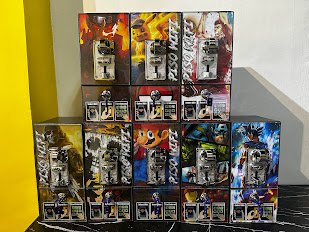
MoziFi Piso WiFi Vendo
Fast, Reliable WiFi Vendo

Set up a coin-operated WiFi hotspot in minutes. Manage users, rates, and uptime with a simple admin system directly from your phone.

Easy Setup
Stable Connection
Smart Rates
Mobile Admin

Why Choose MoziFi?

Everything you need to run a profitable WiFi business with minimal maintenance.

Piso WiFi Vending

Accepts 1, 5, 10, and 20 peso coins. Accurate coin counting and instant time crediting.

Custom Rates

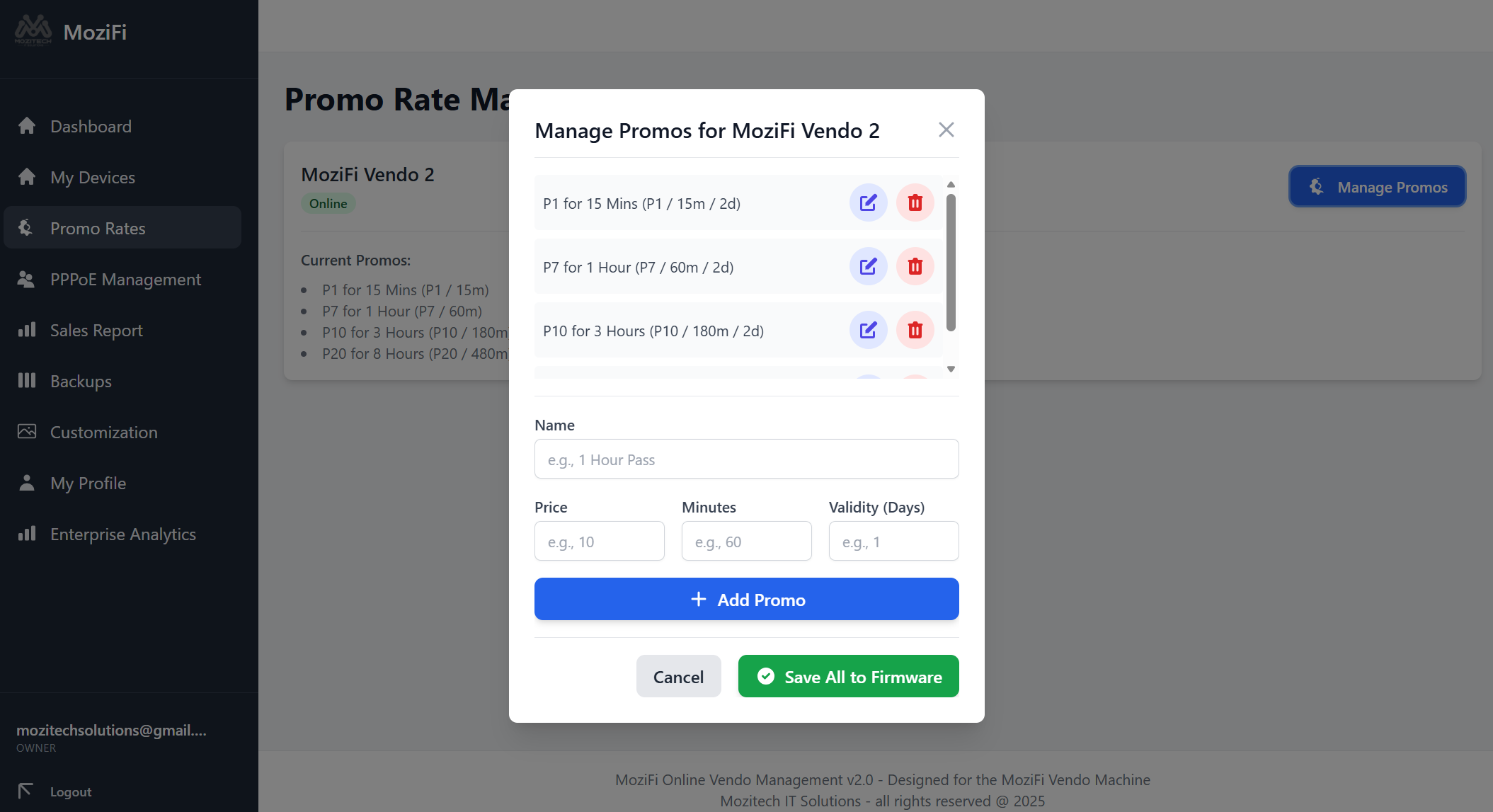
Create hourly, daily, or weekly unlimited promos to attract more customers.

Bandwidth Control

Allocate speed limits per user to ensure lag-free gaming and browsing for everyone.

User Control

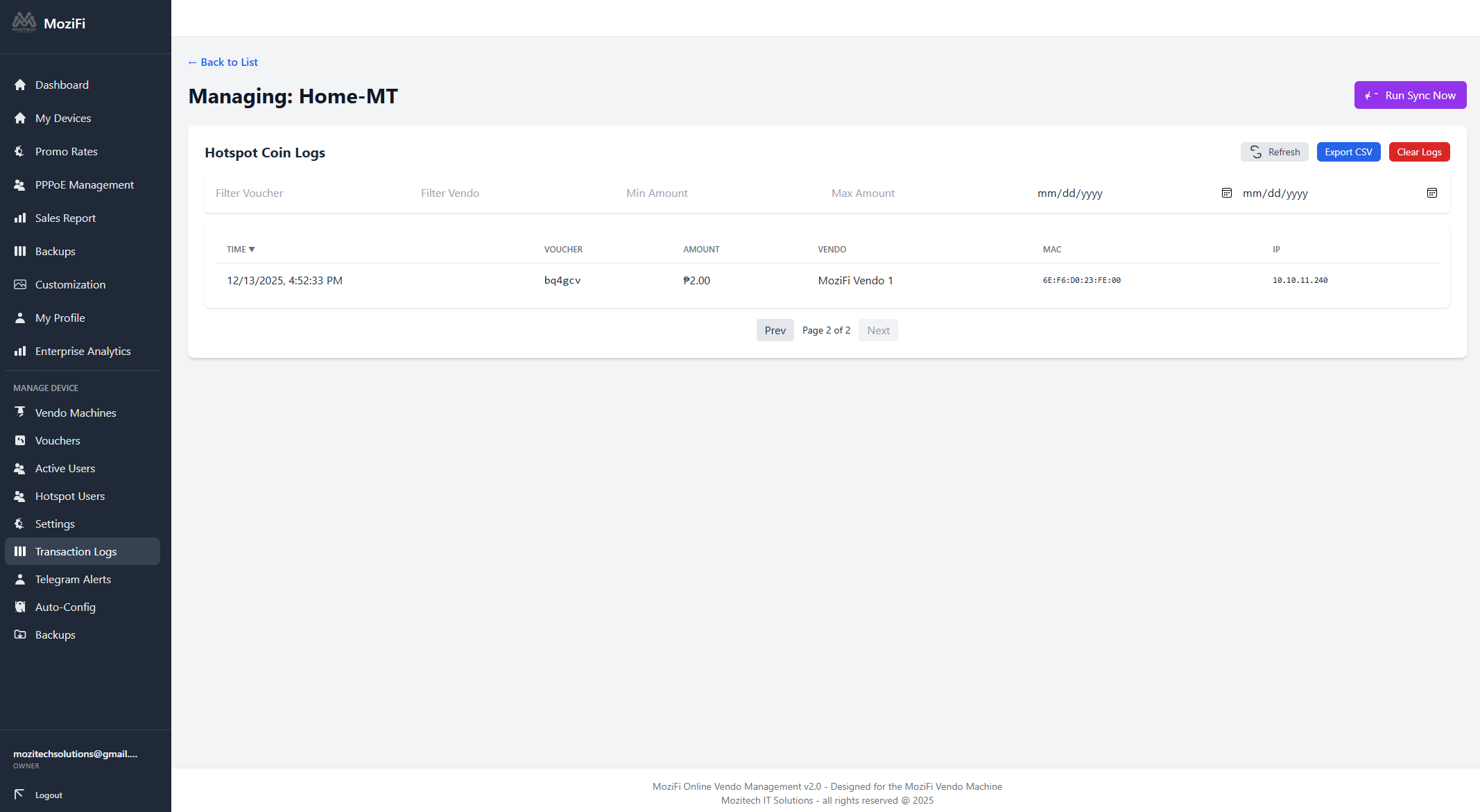
View connected users in real-time. Kick unwanted devices or block MAC addresses easily.

Custom Portal

Upload your own logo, change banner text, and make the login page look professional.

Security First

Secure admin login and uptime monitoring to prevent unauthorized access to your earnings.

Latest Firmware Capabilities (v1.61)

Under the hood, MoziFi is powered by robust software designed for stability, security, and ease of use.

Vending & Payment Features

  • Tiered Promo Rates: Up to 7 packages. Auto-calculation.
  • Time Extension: Add coins to extend current session.
  • Accurate Counting: Interrupt-based pulse reading.
  • Auto-Login: Automatic Mikrotik reconnection.
  • Cancel/Refund Logic: Fail-safe coin processing.

Reliability & Security

  • Crash Recovery: Remembers active sessions after power loss.
  • Anti-Spam: Temp-ban for abusive users.
  • Auto-Maintenance: Safe reboot every 8hrs if idle.

Administration

  • Local Dashboard: No external internet required for config.
  • Role-Based Access: Admin vs. Tech logins.
  • OTA Updates: Wireless firmware flashing.

Networking & Hardware

  • Mikrotik API: Direct seamless integration.
  • W5500 Support: Stable wired Ethernet driver.
  • Coin Control: Physical relay pin for slot.

Start Your Business in 3 Steps

1

Connect & Install

Connect the MoziFi Vendo to your internet source and power up.

2

Configure

Use the App to set your WiFi name and pricing rates (e.g., ₱5 for 1 hour).

3

Start Earning

Users drop coins, get connected, and you monitor sales from the dashboard.

Step-by-Step Installation Guide

Please read carefully to ensure a smooth setup.

⚠️ Before You Start (Checklist)

  • Custom Board - ESP8266 - LAN Based
  • Stable Power Supply / Adapter
  • Active Internet Source
  • Android Phone or Laptop
  • MoziFi BIN & APK Files
  • Mikrotik Device
Phase 1: Hardware Setup
  1. Configure Mikrotik with Mozitech Tunnel by subscribing here -> Buy VPN
  2. Paste the tunnel script
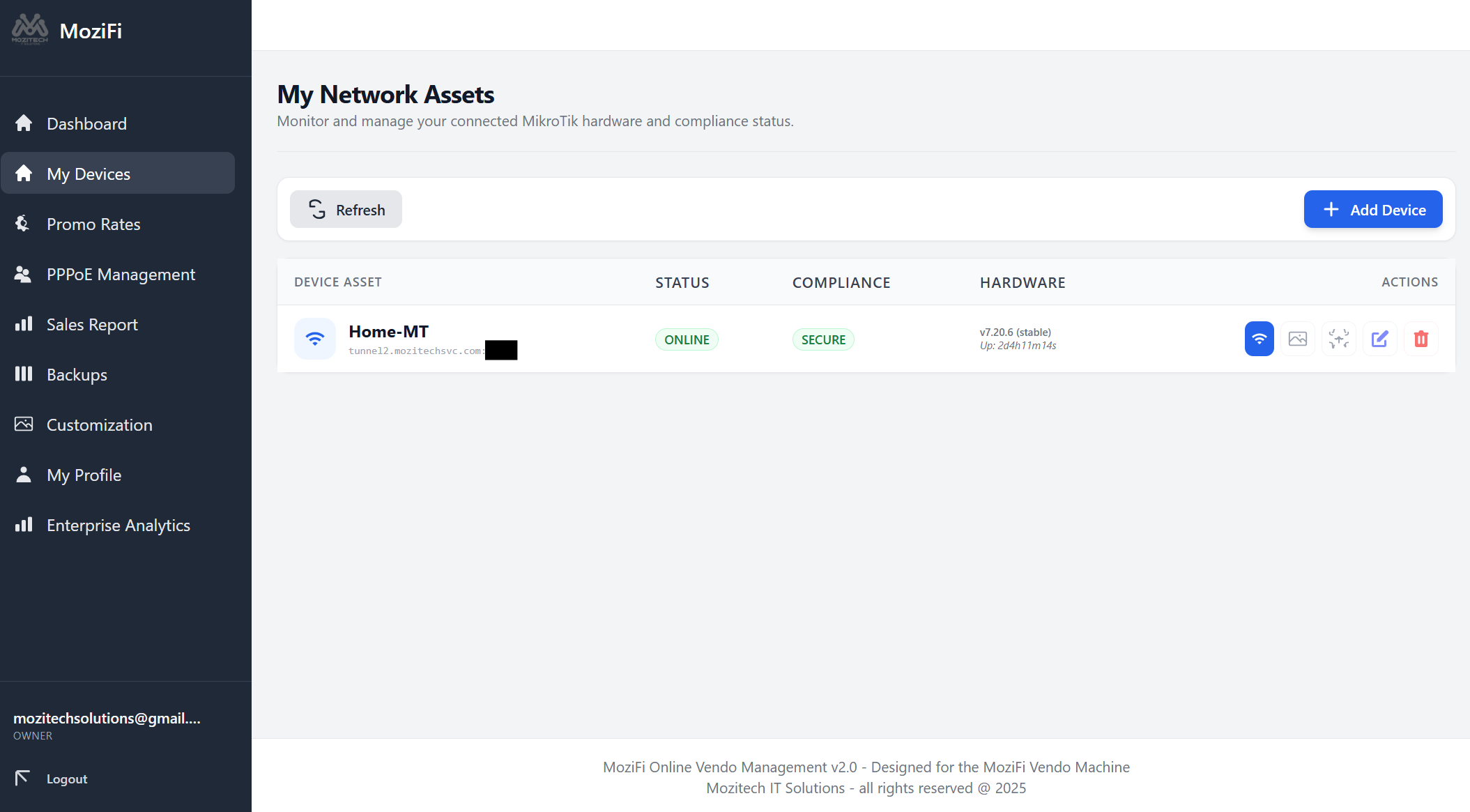
  3. Register at Mozifi Dashboard
  4. Add device from the dashboard
Phase 2: Flashing Firmware
  1. Download the MoziFi Firmware BIN file below.
  2. Flash the bin file to the ESP8266 node.
  3. Coin - D4 | Set - D8 PIN
  4. Open browser http://10.10.11.249. Use mzt-logn and mzt-pass for login credential.
  5. Navigate to Network > API Key.
  6. Copy this key when adding vendo in MoziFi dashboard.
Phase 3: App & Admin Setup
  1. Download and install the MoziFi Admin APK on your Android phone.
  2. Connect your phone to the internet.
  3. Open the App and log in using your MoziFi credentials.
  4. Important: Change your admin password immediately.

Need help setting up?

Contact Support Team

Download Center

Always use the official files below to ensure system stability.

Android Admin App

Version 1.1 • 1MB • Updated 2026

Download APK

Firmware / System File

Latest Version 1.7 • 400K • Updated Mar 2026

Download BIN

Check hardware compatibility before flashing.

Frequently Asked Questions

What routers are supported?

We support major open-source compatible routers (e.g., MikroTik, select TP-Link models).

Does it work without the internet?

The machine needs an internet source (Fiber, DSL, or 4G/5G Modem) to provide browsing access.

Can I change the rates anytime?

Yes, you can update rates instantly via the Admin App.

Is there a warranty?

Yes, we provide a hardware warranty and lifetime software support.

Ready to Start Your Business?

We deliver nationwide via SPX / LBC / J&T / Shopee / Lazada / Shopify.

Location

Southbro Complex, Advincula Avenue, Brgy. San Sebastian, Kawit, Cavite

Business Hours

Mon-Sat, 9:00 AM - 6:00 PM

Phone

+63 9426 912 674